
Codecast for editing, compiling and executing Arduino
In this MOOC, the team developed Codecast, a tool to type and test your code directly on edX, in your browser. This sandbox is a test interface at your disposal. You can use it at any time during the course to test your Arduino code before submitting your answers the labs. Note that Codecast only supports a part of the Arduino language, so it is only suited for testing your codes in Labs 1 and 2. Codecast is only an Arduino code emulator and does not contain all Arduino features (only basic ones). Codecast is thus useful for simple code but not for more complex code, we invite you instead, either to use the Arduino IDE, or to use the simulator which can be found on TinkerCad.
Further info
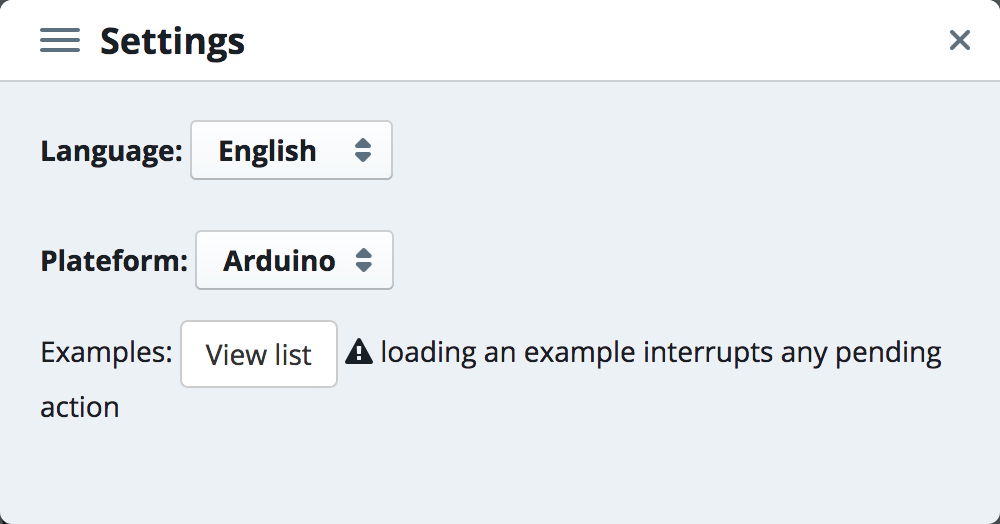
Please note that you can hit the settings button  (on the upper right corner) to open examples and change Codecast language :
⚠ If you have any difficulty, click here for information on how to use codecast!
The lines of code that you can write here are neither recorded nor taken into account for your progress. If you want to keep any of the code you enter here, don't forget to save it on your own computer (by copying and pasting it into a text file for example).